
Home / Guide / Make units stay where you put them
Two sources, two buttons
Make units stay where you put them
Yes, you can place units and have them remember the spot. The button is not the same in every guide, because the binding can be changed.
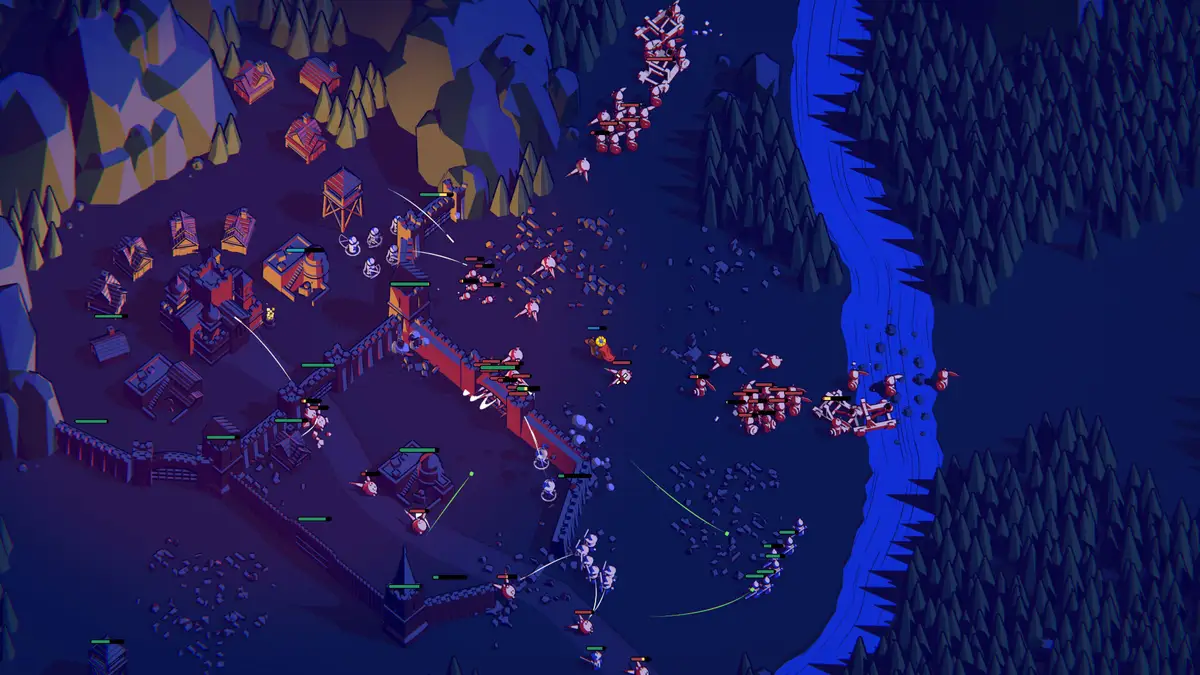
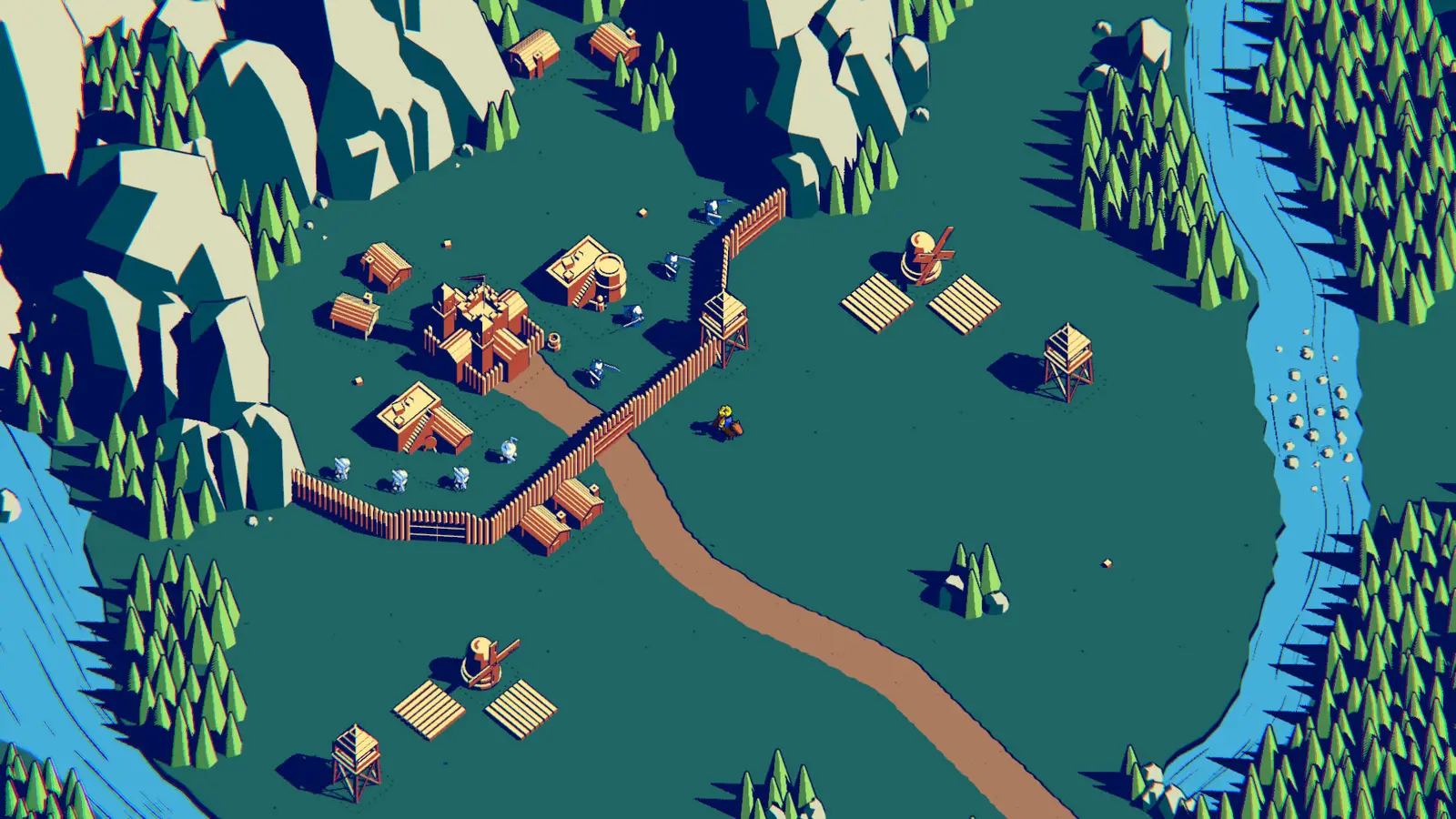
Keyboard, from Gamepressure and NamuWiki
Hold Ctrl to select soldiers, press it again to halt them, and hold it longer to lock a guard position. Shift is sprint. Since version 1.50 the number keys split the army: 1 everyone, 2 melee, 3 ranged, 4 the hero. Version 2.13 added control groups. That is the set I trust for a current PC keyboard.
GameRant documents a controller and an older write-up: R on keyboard, Square on PlayStation, Y on Xbox, for the command that holds position. Those keys disagree with Ctrl. I am not deleting either article. The settings screen is the tie-breaker, and a rebound key is still the real key.
Questions
Can units remember a position?
Yes. Hold the command button to set a guard spot.
What is the keyboard button?
Gamepressure and NamuWiki say Ctrl. GameRant says R. Check the bindings.
How do I select only archers?
Number key 3, added as a group bind in 1.50.
What about a controller?
GameRant lists Square on PlayStation and Y on Xbox for the command.
Did control groups arrive later?
Yes. Patch notes put them in 2.13.
Related
Sources
- Gamepressure controls — checked 2026-11-14
- GameRant command units — checked 2026-11-13
- NamuWiki — checked 2026-11-13